
Morning movementRoutine preview
Build the plan. Bring your people. Move with intent.
Community preview · Release-dependent
FITNESS. PROGRESS. COMMUNITY.
Build the plan, follow every cue, and keep your training moving. Movenue is creating a place where workouts can become momentum shared—with you in control of what stays private.
Social capabilities shown here are a product preview and will launch only after production acceptance.

THE COMMUNITY DIRECTION
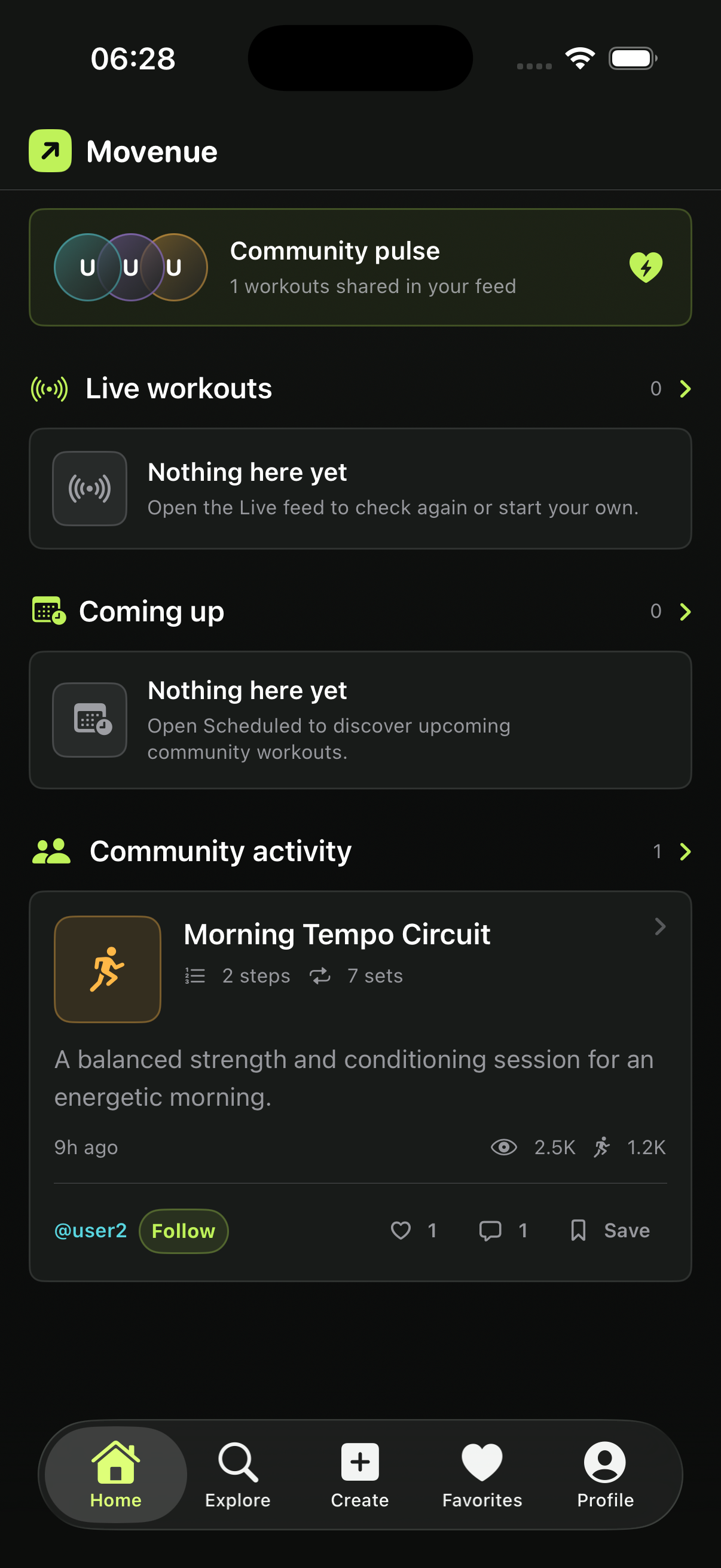
Movenue is designed to turn useful routines into a social starting point: something people can discover, discuss, save, and eventually complete together.
Feeds, follows, reactions, comments, saves, and shared events remain release-gated. This page shows the intended experience, not a promise that every action is available today.
Explore the community direction →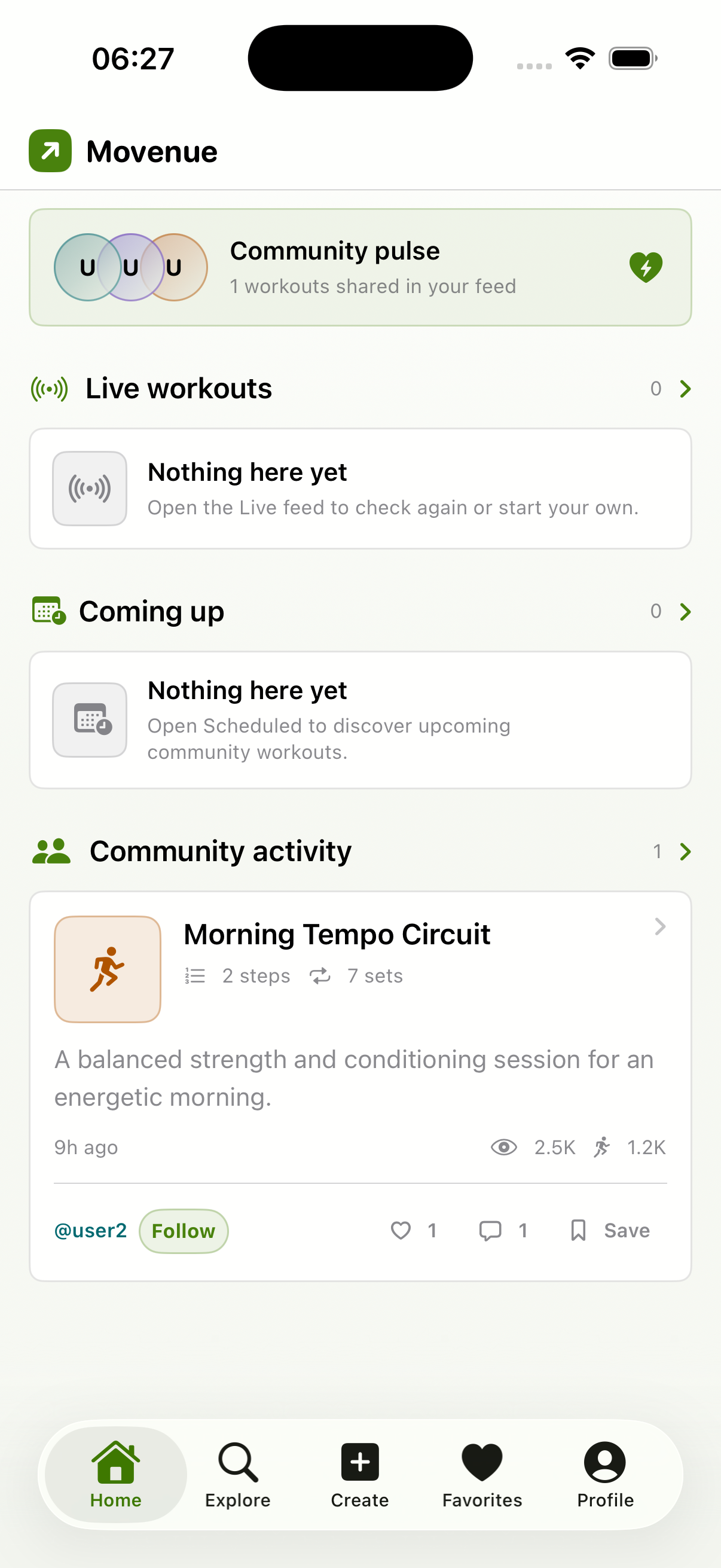
Build the plan. Bring your people. Move with intent.

SHOW UP TOGETHER
Shared training should make the next session easier to start, not turn health data into a public score. The intended community experience centers encouragement, clear boundaries, and honest completion.
Movenue does not claim leaderboards, live race position, synchronized group progress, or participant health-metric streaming.
CREATE WITH DETAIL
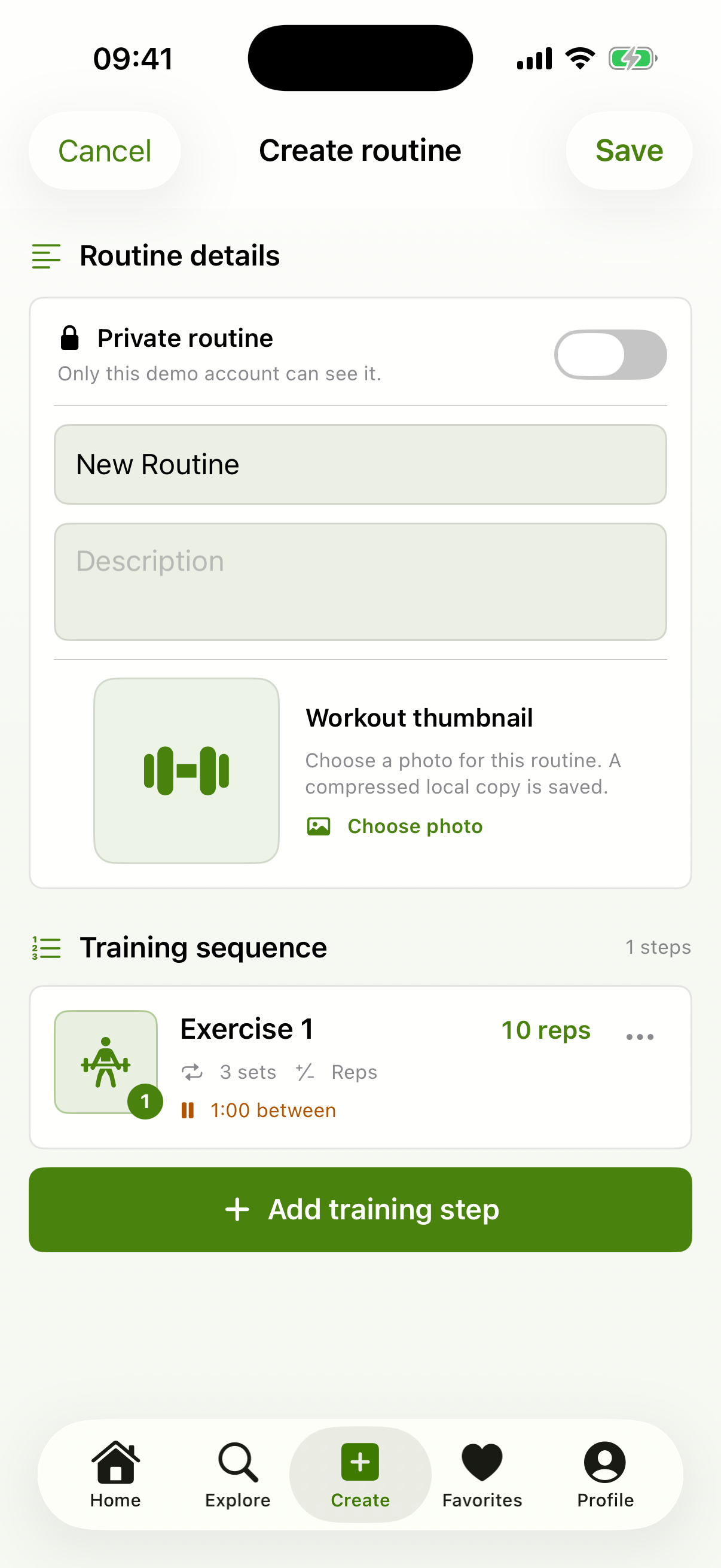
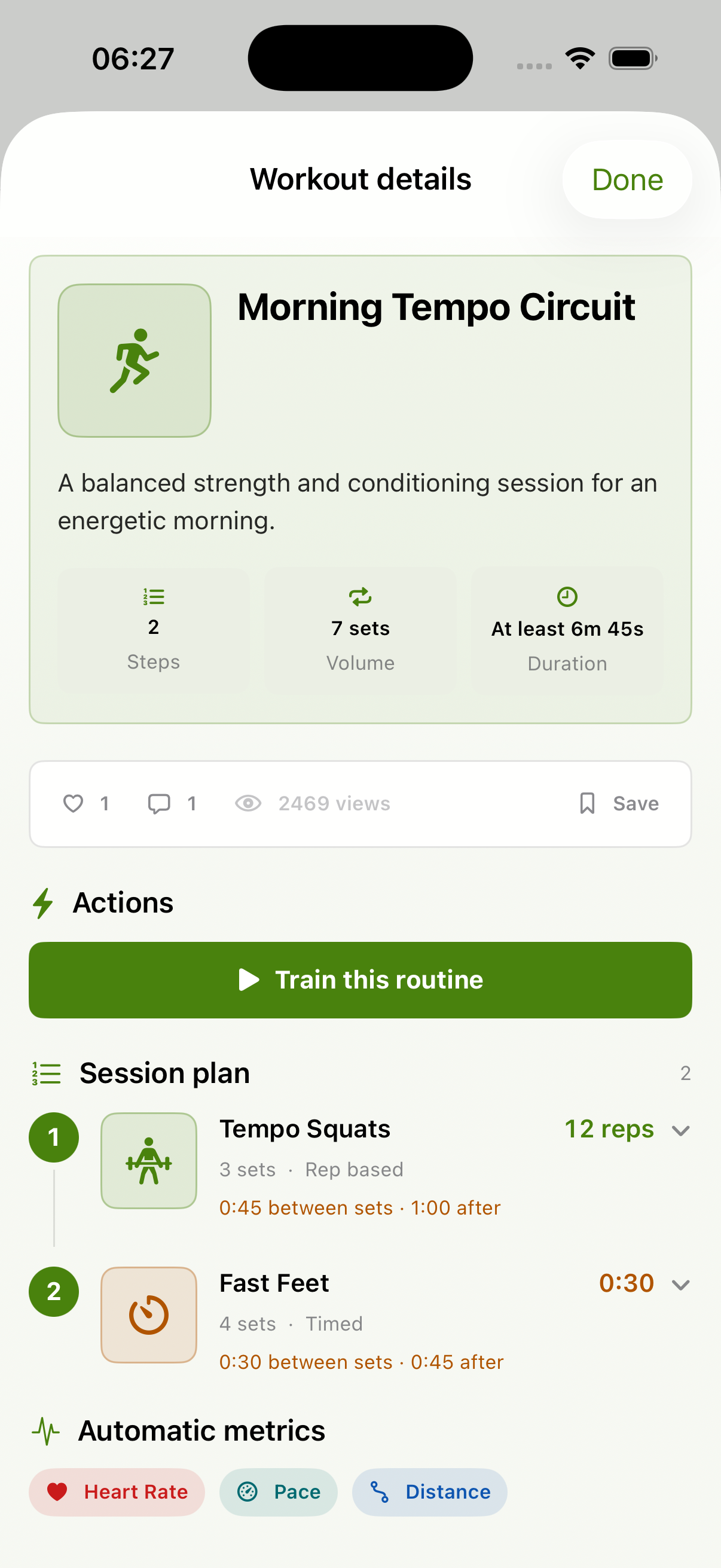
Build ordered counter or timer steps with sets, targets, recovery, notes, and exercise photos. The result is a complete session plan—not a loose list of exercise names.
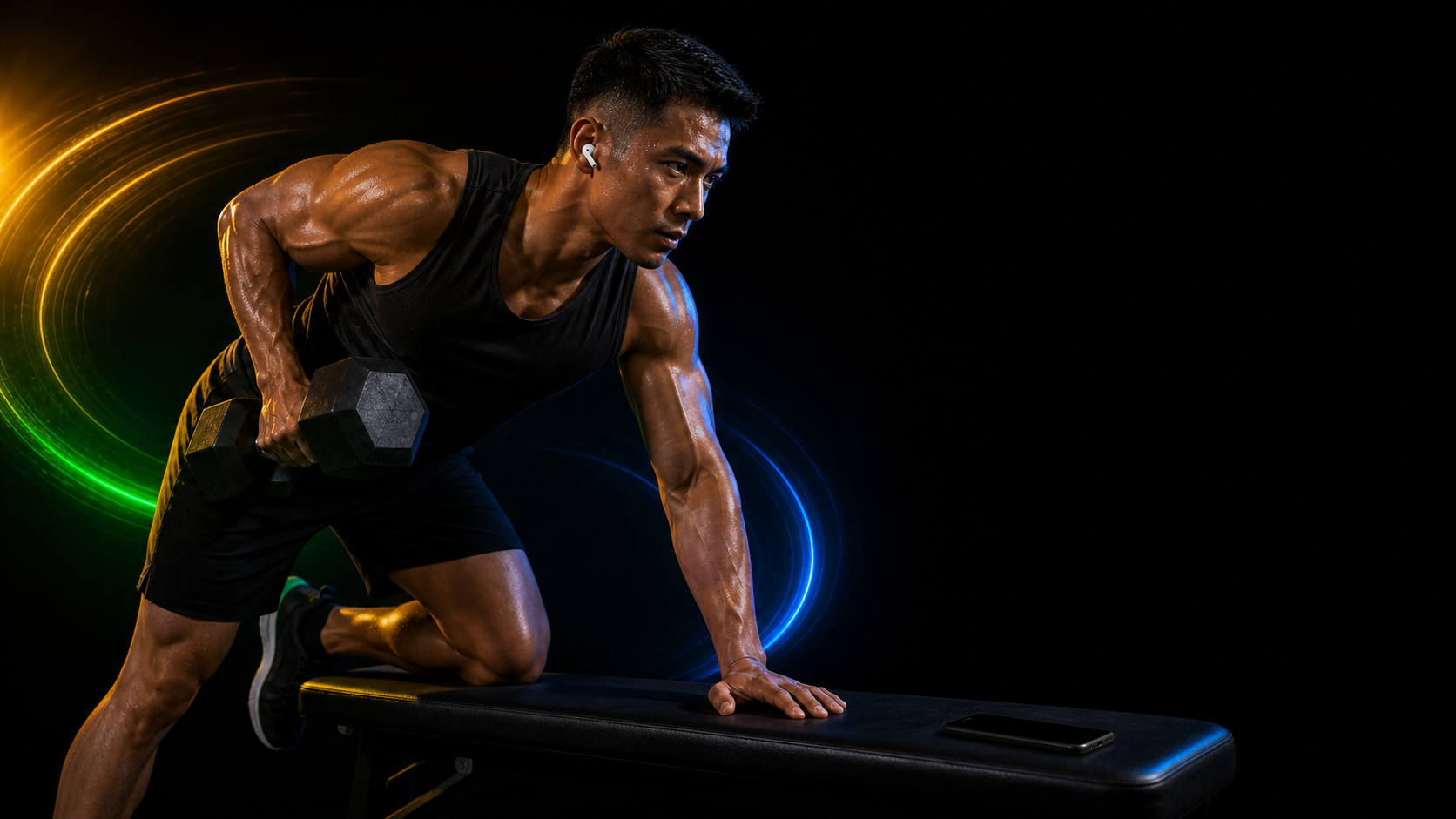
LISTEN WHILE YOU MOVE
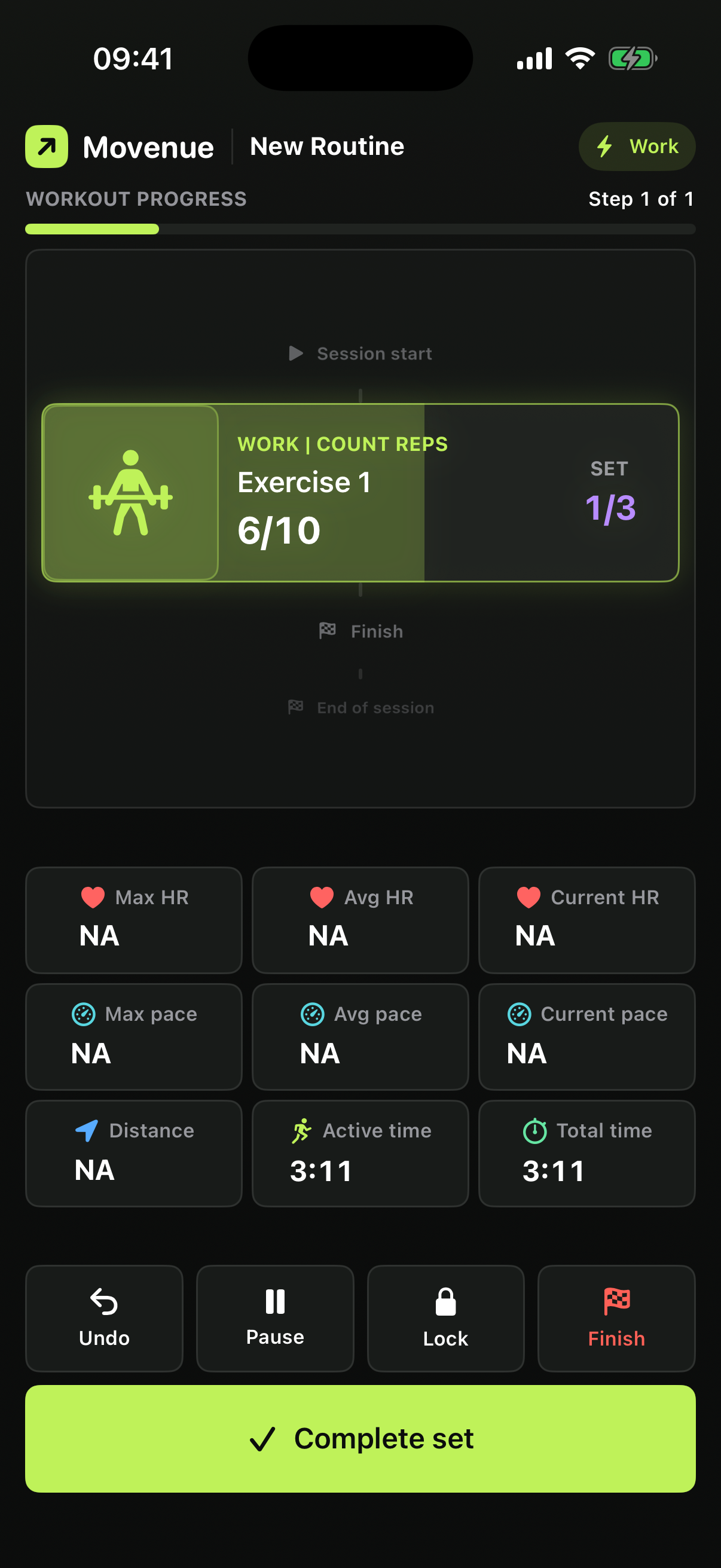
The focused coach keeps the current exercise, set, target, recovery, and next step in view. Choose beeps or spoken narration, then pause, undo, or restore an interrupted session when needed.
TRACK WHAT YOU FINISH
Finish a workout to keep eligible session details. Review history, filter completed sessions, inspect available summaries, delete a record, or export raw captured samples when they exist.
Health and fitness readings may be delayed, unavailable, or inaccurate. They are not medical measurements.

YOUR WORKOUT. YOUR CONTROLS.
GOOD TO KNOW
Product availability, devices, voice coaching, privacy, and safety—without turning a preview into a promise.
View every questionNot yet as a public promise. Community screens and campaign scenes on this website preview the direction of the product. Social features will be described as available only after production acceptance.
No. The iPhone routine builder and focused coach work without one. A compatible Watch can add available heart-rate, pace, and distance readings.
No released AI coach is being claimed. Spoken cues use installed system voices to narrate the routine you created.
Movenue provides privacy choices, supported exports, history controls, and an in-app account-deletion path. The website does not set cookies or run analytics.

MOVE WITH INTENT
Movenue is coming soon to the App Store. Explore the complete guide while the community experience prepares for launch.